Table of Contents
- What Do You Need for a Backyard Viewing Party?
- Clear and Walk Through the Yard
- Choose the Screen Location Before Arranging Anything Else
- Test the Screen, Sound, Wi-Fi, and Power
- Arrange Seats Without Closing Off the Walkways
- Build a Separate Food and Drink Zone
- Match the Light to the Task
- Prepare for Weather and Unexpected Problems
- Follow a Simple Game-Day Timeline
- Backyard Sports Watch Party Checklist
- Make the Setup Fit Your Event
Whether you are planning a World Cup final, a weekend football game, a playoff night, or an outdoor movie night, a practical backyard viewing party setup takes more than moving a screen outside and unfolding a few chairs.
The problems usually begin with small details. Afternoon glare washes out the picture. A cord crosses the route to the cooler. The food table sits too close to the front row, so every refill interrupts the view. Then the event ends, and it is suddenly too dark to disconnect the speakers or find a cable in the grass.
A practical backyard viewing party setup should account for the screen, Wi-Fi, sound, seating, food, power, weather, and cleanup after sunset. Plan those details early, and you can spend more time watching and less time troubleshooting.
What Do You Need for a Backyard Viewing Party?
A complete backyard viewing party setup usually includes:
- A screen location tested at the actual time of the event
- Reliable Wi-Fi and sound that reaches the last row
- Seating that keeps the picture visible and walkways open
- A separate food and drink station
- Outdoor-rated extension cords with secured, protected connections
- Practical lighting for setup, serving, quick checks, and cleanup
- A backup plan for rain, heat, wind, insects, or a power outage
Not every light needs to stay on while people are watching. Match each light to a specific job and use it only where and when it is needed.
Clear and Walk Through the Yard
Mow and complete the basic cleanup a day or two before the event. Put away tools, toys, planters, garden equipment, and hoses. Check patio steps, the back door, and the route guests will use to reach the bathroom. Trim low branches that could block the screen, and note any soft, uneven, or slippery areas.
Then walk through the space as a guest would: from the back door to the seats, cooler, food table, and bathroom. This simple test often reveals a chair blocking the door, a cooler taking over the main path, or a cord landing directly below a step.
Choose the Screen Location Before Arranging Anything Else
Place the screen before you arrange chairs, speakers, food, and lighting. Everything else should be organized around the best viewing position.
For a daytime or early-evening event, check the yard at the same hour the game or movie will begin. A projector position that looks perfect after dark may face direct sunlight or window glare during the event. An outdoor TV usually handles daylight better, while a projector works best under a covered patio, in deep shade, or after sunset.
Nearby porch lights, windows, streetlights, and high-output portable lights can also reduce picture contrast. Keep low-level lighting behind or beside the seats, and leave open space behind the screen for outlets, streaming devices, speaker cables, and stands.
Test the Screen, Sound, Wi-Fi, and Power
A device turning on does not mean the setup is ready for a live event. Run the streaming service for several minutes. Confirm that the Wi-Fi reaches the yard consistently, the video and audio stay in sync, the account is signed in, and the app does not need an update. Sit in the last row and make sure the sound is clear without becoming uncomfortably loud near the front.
If the connection is unreliable, adjust the router or add a signal extender before game day. Troubleshooting during a key moment is too late.
Use extension cords marked for outdoor use, inspect them for damage, and connect equipment through a GFCI-protected outlet when possible. Route cords along a fence, wall, or behind the seating area. If a cord must cross a walkway, secure it with an outdoor cable cover. Keep plugs and power strips off wet grass and away from drinks.
Arrange Seats Without Closing Off the Walkways
Put lower chairs toward the front and higher-backed chairs behind them. Check the view from the first row, last row, and both outside edges. If only the middle seats have a clear picture, the layout may be too wide for the screen.
Keep at least one route open to the house and food area. If every refill requires someone to walk between the screen and the first row, move the drink station. For homes with children or pets, keep their likely path away from the screen stand, cords, speakers, and grill. In a small yard, removing a few chairs is better than creating a bottleneck.
Build a Separate Food and Drink Zone
Place the food table and cooler beside or behind the seating area instead of next to the screen. Separate drinks, utensils, napkins, and trash when space allows, and keep the grill away from the screen, speakers, and main seating. Check which way the smoke is likely to travel, and do not route electrical cords through an area where drinks may spill.
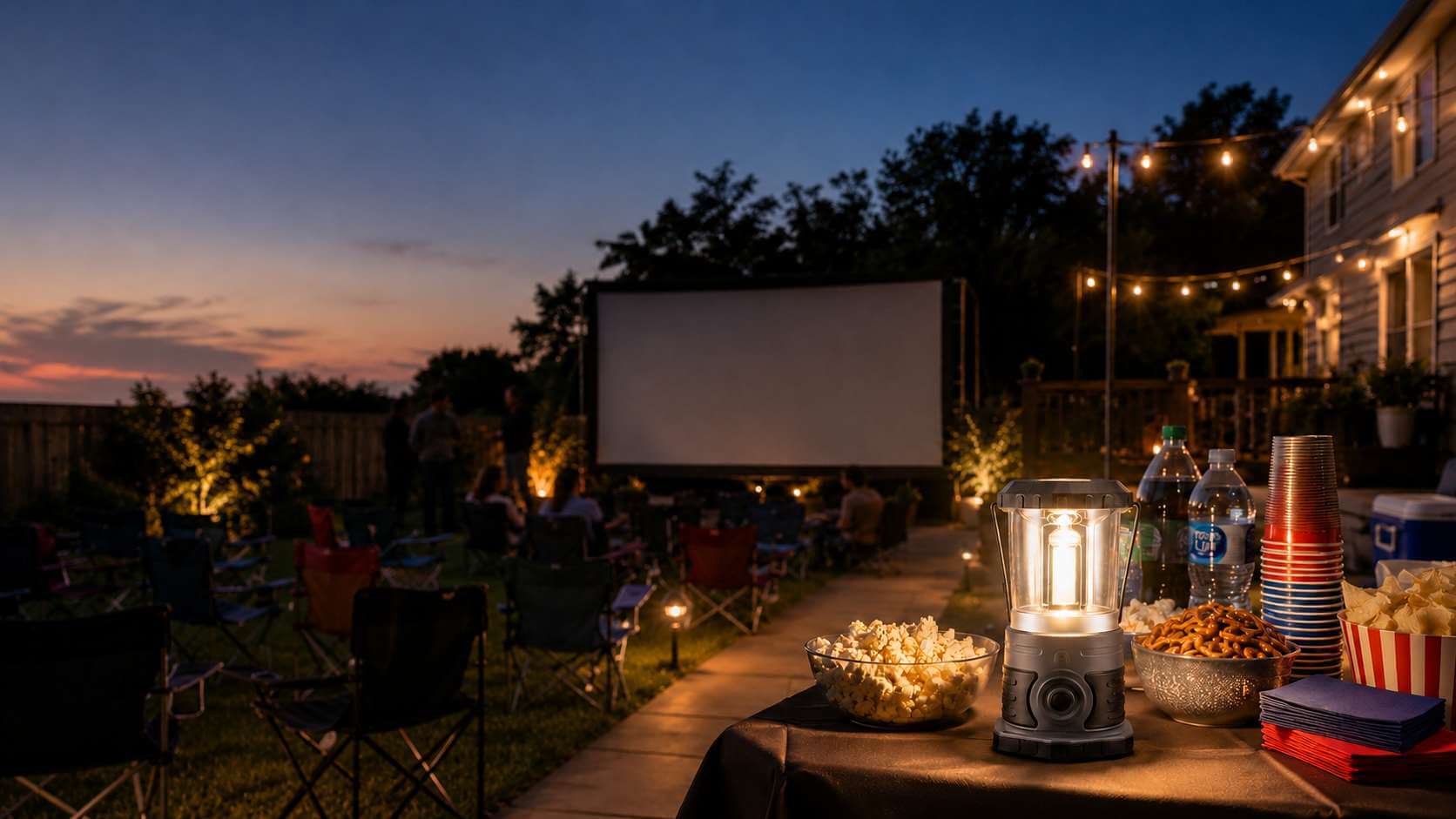
After sunset, the food station needs enough light for guests to find cups, serve food, and wipe down the table. It does not need the same output as the equipment setup area. A lantern on a low setting usually works better here than a high-output work light.
Match the Light to the Task
The goal is not to make the entire yard as bright as possible. It is to provide enough light for safe movement and practical tasks without distracting from the screen.
Quick Lighting Guide
Area or Task | Recommended Light | Best Time to Use It |
Screen, speaker, and cord setup | Work light | Before and after the event |
Food and drink table | Camping lantern | Low setting during the evening |
Ports, outlets, and close-range checks | EDC flashlight | Only when needed |
Carrying equipment with both hands | Headlamp | Setup and cleanup |
Far end of the yard or parking area | Flashlight | Long-range or emergency checks |
Hallway and inside the back door | Motion sensor light | When someone passes |
Keep Event Lighting Low and Indirect
During the game or movie, place necessary lights to the side of or behind the seating area. Avoid pointing a beam toward the screen or directly into viewers' eyes. Use the lowest brightness that still lets guests move safely, and reserve the brightest modes for setup, equipment problems, and cleanup.
Steps and narrow walkways benefit from small, localized lights. The food table needs soft area lighting. The screen and projector area should remain as dark as practical once the event begins.
Use a Work Light for Setup and Cleanup
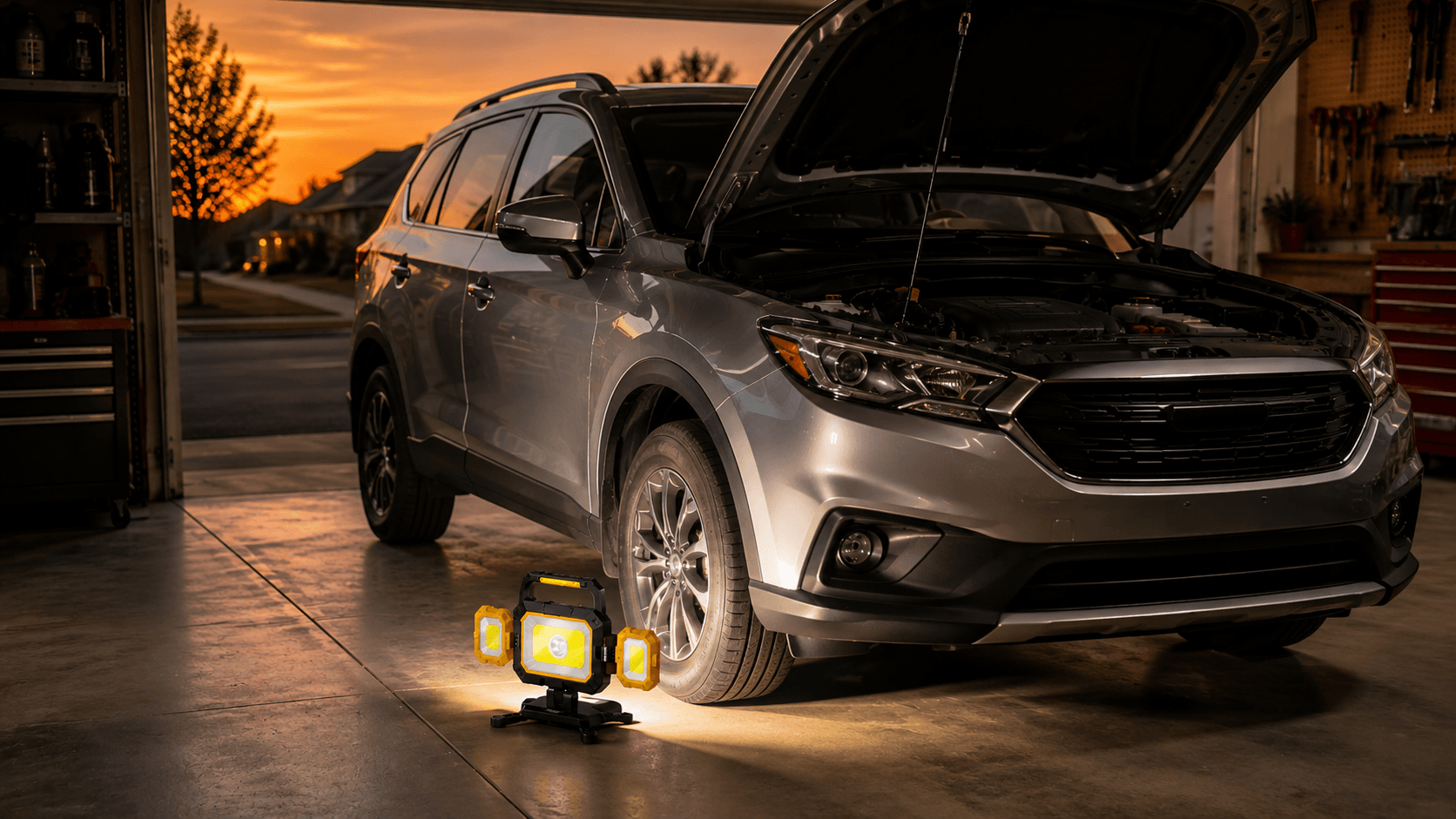
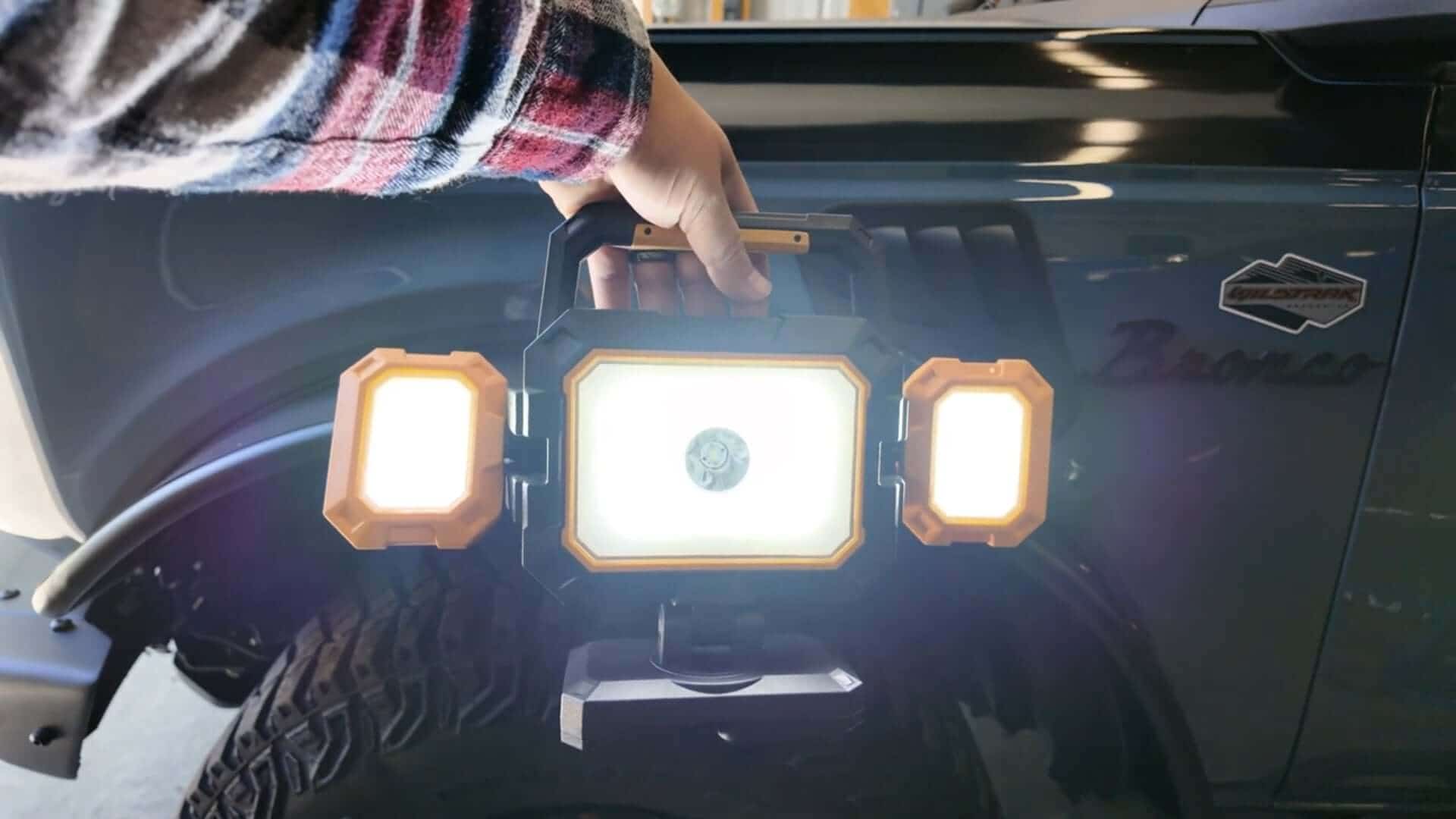
Mounting a screen, connecting speakers, securing stands, and organizing cords require broad, adjustable illumination. The HOKOLITE YZONI W5 work light produces up to 4,000 lumens of wide-area light. Its two side lights, magnetic base, and hanging hooks make it easier to work behind stands or under tables while keeping both hands available. Its USB output can also provide emergency backup power. Once setup is complete, switch it off, dim it, or move it behind the screen. Turn it back on after the event for packing equipment and checking the lawn for forgotten items.
Place a Lantern at the Food and Drink Table
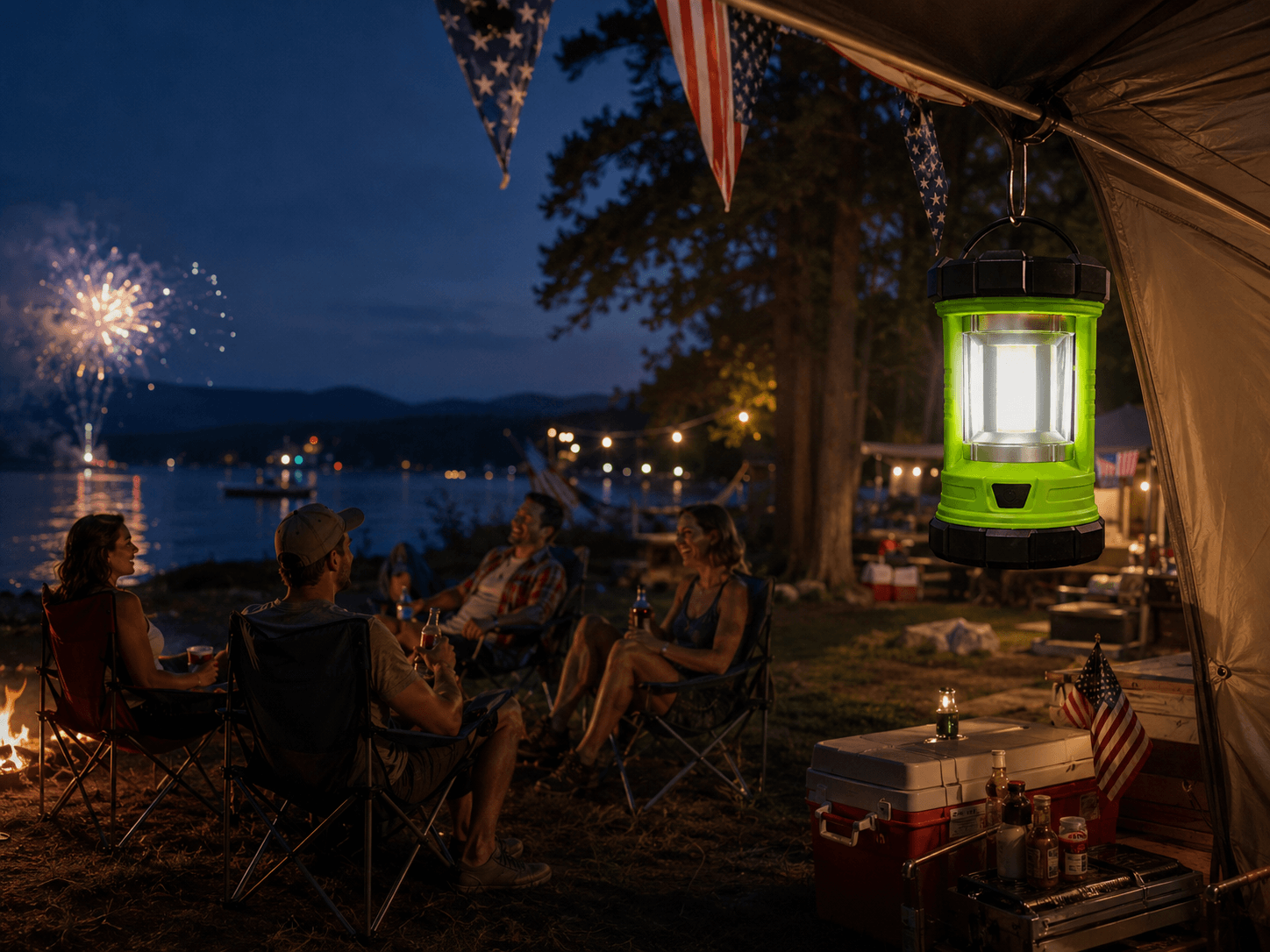
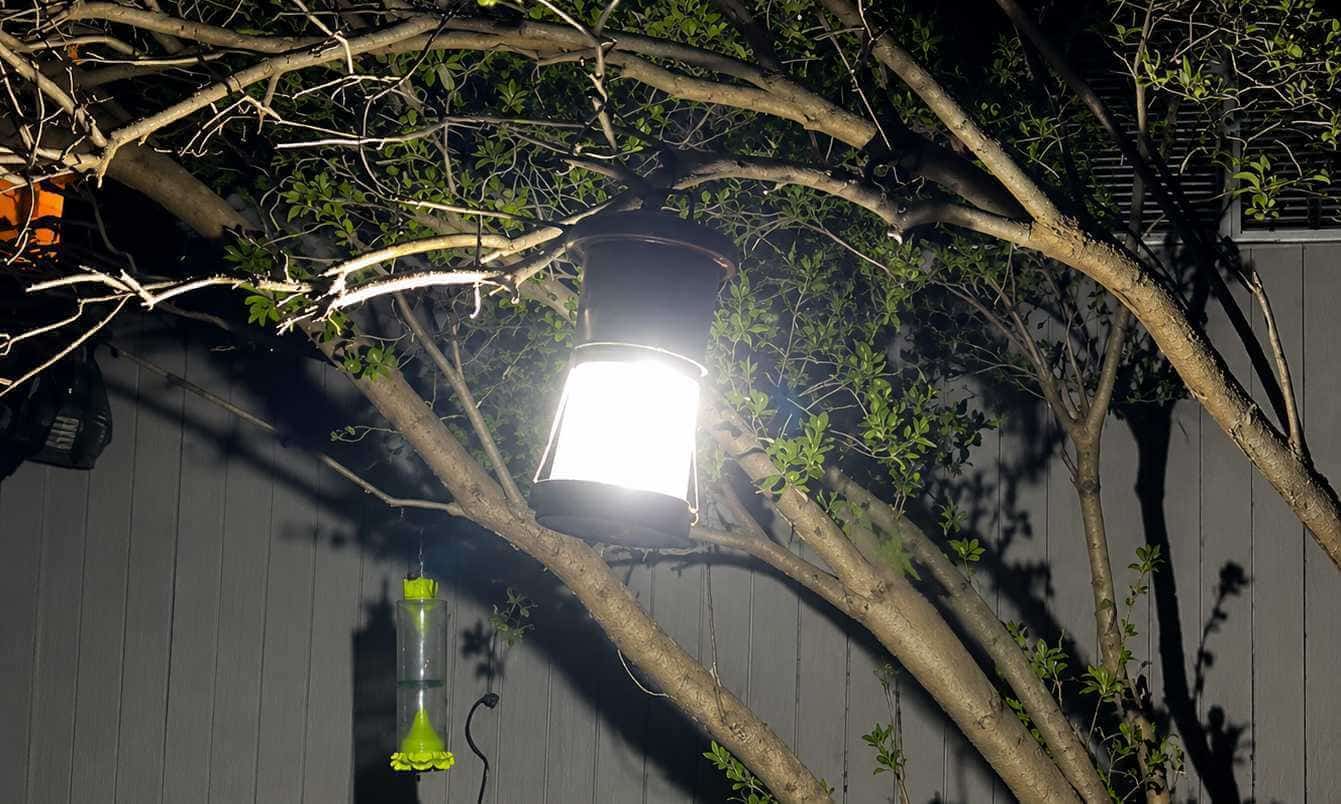
A food table benefits from even area lighting rather than a narrow beam. The HOKOLITE 5503 camping lantern provides 360-degree illumination with High, Medium, Low, and Nite settings. It can sit on a table or hang by its hook, and its listed runtime reaches up to 75 hours on the lowest setting. Place it beside or behind the food area and use a lower mode so guests can serve themselves without creating unnecessary glare. Keep it away from open flames and hot grill surfaces.
Keep a Compact Light Within Reach for Quick Checks
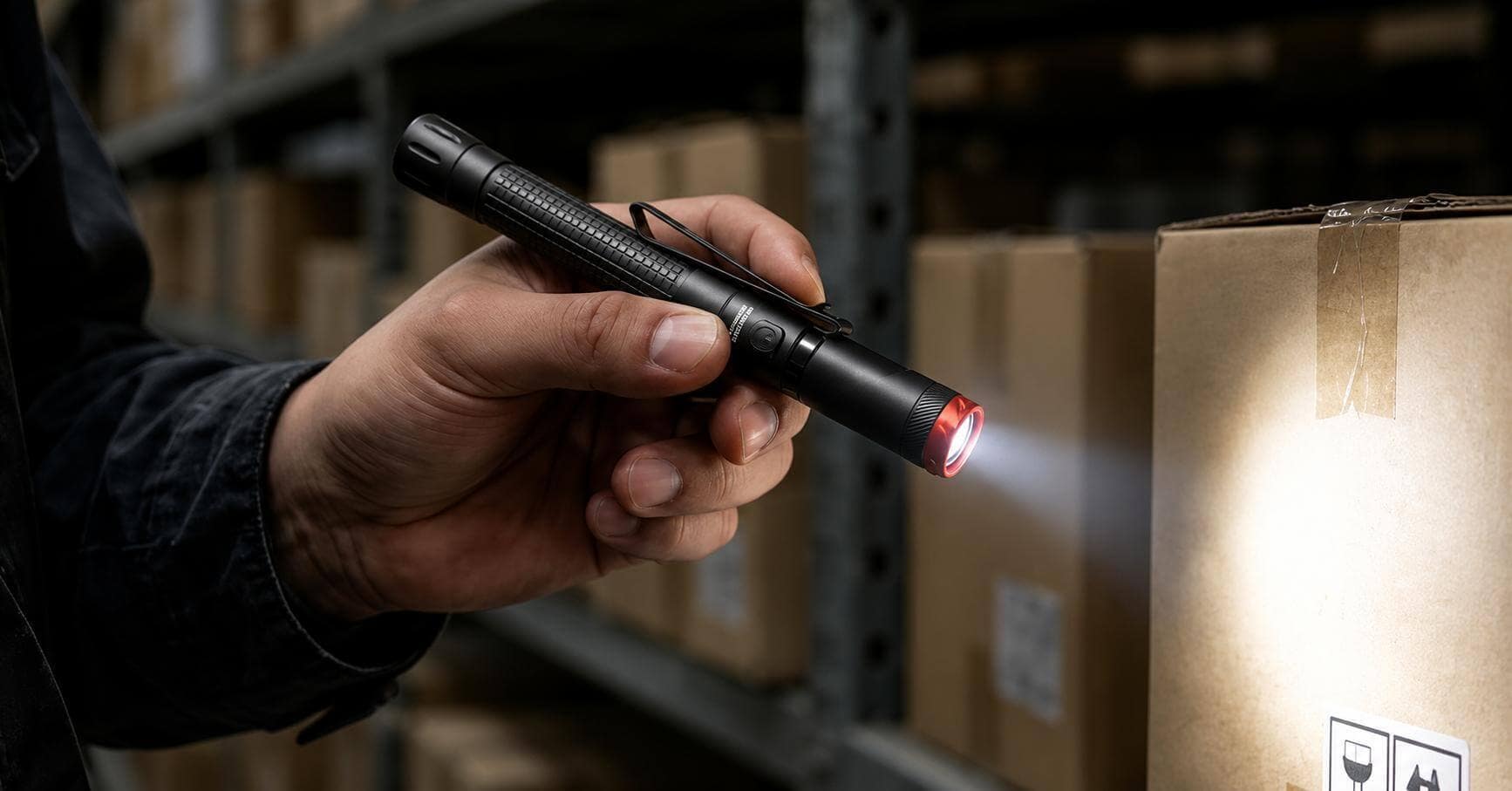
Some problems do not require lighting the entire yard. You may only need to see a port behind the TV, check an outlet, or find a cable under a table. The HOKOLITE HOPEDONE P2 clip-on pen light offers up to 800 lumens, a 90-degree swivel head, a clip, and a magnetic tail for close-range directional work. Clip it with your cloth rather than searching through a dark cabinet after a problem occurs. It is an inspection light, not the primary light for the whole yard.
Use Specialized Lights Only When the Setup Calls for Them
- A headlamp is useful when you are carrying chairs, coiling cords, or collecting trash with both hands.
- A larger flashlight makes sense for checking the far edge of the yard, a fence line, or a parked vehicle.
- A motion sensor light can help inside the back door or along an indoor hallway, but an indoor model should not be treated as an exposed outdoor fixture.
These options solve specific problems without requiring every light to remain on throughout the event.
HOKOLITE 6829 - 1300 Lumen Rechargeable 90° Adjustable Motion Sensor Headlamp
$46.99
$49.99
See More Around You Without Slowing Down Built for night runs, hiking, camping, repairs, and low-light work, the HOKOLITE 6829 combines a wide field of view with focused illumination for both movement and hands-on tasks. Open Up Your Field of… Read More

LEXALL E6 - 2000LM Magnetic 3-in-1 Design EDC Flashlight
$39.99
2000 Lumens High Output: 200m spot beam + 65m flood light provide both long-range and close-range illumination needs. 3-in-1 Modular Design: Spotlight + Floodlight + RGB side light for versatile lighting needs. 2000mAh Rechargeable Battery: Up to 17 hours of… Read More

Prepare for Weather and Unexpected Problems
A forecast is helpful, but it is not a complete backup plan. Summer events may bring strong sun, sudden rain, wind, or all three within a few hours.
- Provide shade and drinking water. Keep the screen, speakers, power strips, outlets, and plug connections protected from rain. A water-resistant light does not make the rest of the electrical setup safe around standing water.
- Check wind conditions before using a large projector screen, lightweight stand, canopy, or tall speaker. Secure equipment according to the manufacturer's instructions, and move the event indoors if gusts make the setup unstable.
- Remove standing water in advance, keep insect repellent available, charge rechargeable lights, and store spare lantern batteries where they are easy to reach. Decide before guests arrive whether the party will move indoors if the weather changes.
Follow a Simple Game-Day Timeline
Use this backyard viewing party setup timeline to handle the major tasks in the right order and avoid rushing just before guests arrive.
One or Two Days Before
- Mow and clear the yard
- Check chairs, tables, screen stands, and the weather forecast
- Buy food, drinks, batteries, and cleanup supplies
- Clear the route to the bathroom and back door
Two Hours Before the Event
- Install the screen and speakers
- Test the stream, Wi-Fi, account login, and sound from the last row
- Secure extension cords and keep connections off the ground
- Charge rechargeable lights
- Set up the food table, cooler, and trash cans
Before Sunset
- Check steps and main walkways
- Put the pen light and flashlight where they are easy to reach
- Adjust the lantern location and brightness
- Make sure the work light is not aimed toward the screen
During the Event
- Keep only necessary area lighting on
- Use a flashlight or pen light only when needed
- Clean food or drink spills promptly
- Watch for changing weather and wind
After the Event
- Turn on the work light or headlamp
- Pack the screen, speakers, and cords
- Check the lawn for trash and forgotten items
- Move electronic equipment indoors
Backyard Sports Watch Party Checklist
The same checklist also works for an outdoor movie night or family game night.
- Yard, steps, and walkways are clear
- Screen position was tested at the actual event time
- Streaming account, Wi-Fi, and sound were tested
- Outdoor-rated extension cords are secured and connections are protected
- Seating does not block the back door or main walkways
- Food and drinks are beside or behind the seats
- Bright lights are positioned away from the screen
- Work light is ready for setup and cleanup
- Lantern is placed beside or behind the food area on a low setting
- Compact flashlight or pen light is easy to reach
- Rain, wind, outage, and indoor backup plans are confirmed
- Trash bags, paper towels, and cleanup supplies are ready
Make the Setup Fit Your Event
A good backyard viewing party setup does not require the largest screen or the brightest lights. It requires a layout that lets guests see the picture, move through the yard, refill a drink, and pack everything away without creating new problems.
For practical lighting for setup, serving, quick checks, and cleanup, explore the W5 work light, 5503 camping lantern, and P2 clip-on pen light. Choose the light that matches the task rather than leaving every light on at once.
What are you planning outdoors: a sports watch party, an outdoor movie night, or a family game night? Which part of the setup usually causes the most trouble—screen glare, Wi-Fi, power, seating, or lighting? Share your experience in the comments so other readers can learn from it.